
The Leading AI GRC Platform for the Enterprise.
Work smarter, act faster, and create measurable impact. LogicGate’s foundational AI eliminates manual data entry, automates tedious tasks, and gets you the data you need when you need it.
What Foundational AI Makes Possible
Eliminate Manual Field Entry
Complete forms in seconds, not hours, without sacrificing data integrity by leveraging existing documentation or prompts.
Automate Control Testing
Immediately evaluate controls based on the latest evidence to automate extensive, first-pass reviews at scale.
Analyze Data for Smarter Insights
Move past surface-level information and accelerate strategic action by transforming massive, cross-domain datasets into actionable insights.
Keep Data Connected, Remove Blind Spots
Automatically generate linking recommendations per data object or across your entire program to maintain visibility and reduce redundancies.
Never Write a First Draft Again
Draft risk and compliance materials, team emails, policies, and more in a single click based on industry best practices, external insights, and your unique requirements.
Frequently Asked Questions
Autofill
Automated Control Testing
Reporting Insights
Record Linking Recommendations
Bulk Linking Recommendations
Text Assistant
Yes, all foundational AI features are available platform-wide without any additional fees.
All of them!
LogicGate’s foundational AI utilizes various OpenAI GPT and Embeddings models, each selected for optimal accuracy and performance based on use case requirements.
OpenAI processes the fields needed for foundational AI to work properly. That means just the specific fields relevant to each feature—for example, the field being filled out by text assistant, any fields selected to generate record linking recommendations, or the field visible on the record when autofill runs.
When using LogicGate’s OpenAI API, OpenAI follows its standard 30-day data retention policy, deleting data after 30 days. Data sent via LogicGate’s OpenAI API is not used to train or improve OpenAI’s models.
Yes, these features are entirely optional, we ensure your organization always knows when and where AI is in use. Administrators (and only administrators) can enable or disable foundational AI features within Risk Cloud via the “Admin” > “Integrations” menu at any time.
What’s New
LogicGate AI keeps getting better. See what just dropped and discover fresh updates built to support your day-to-day and big-picture plans.
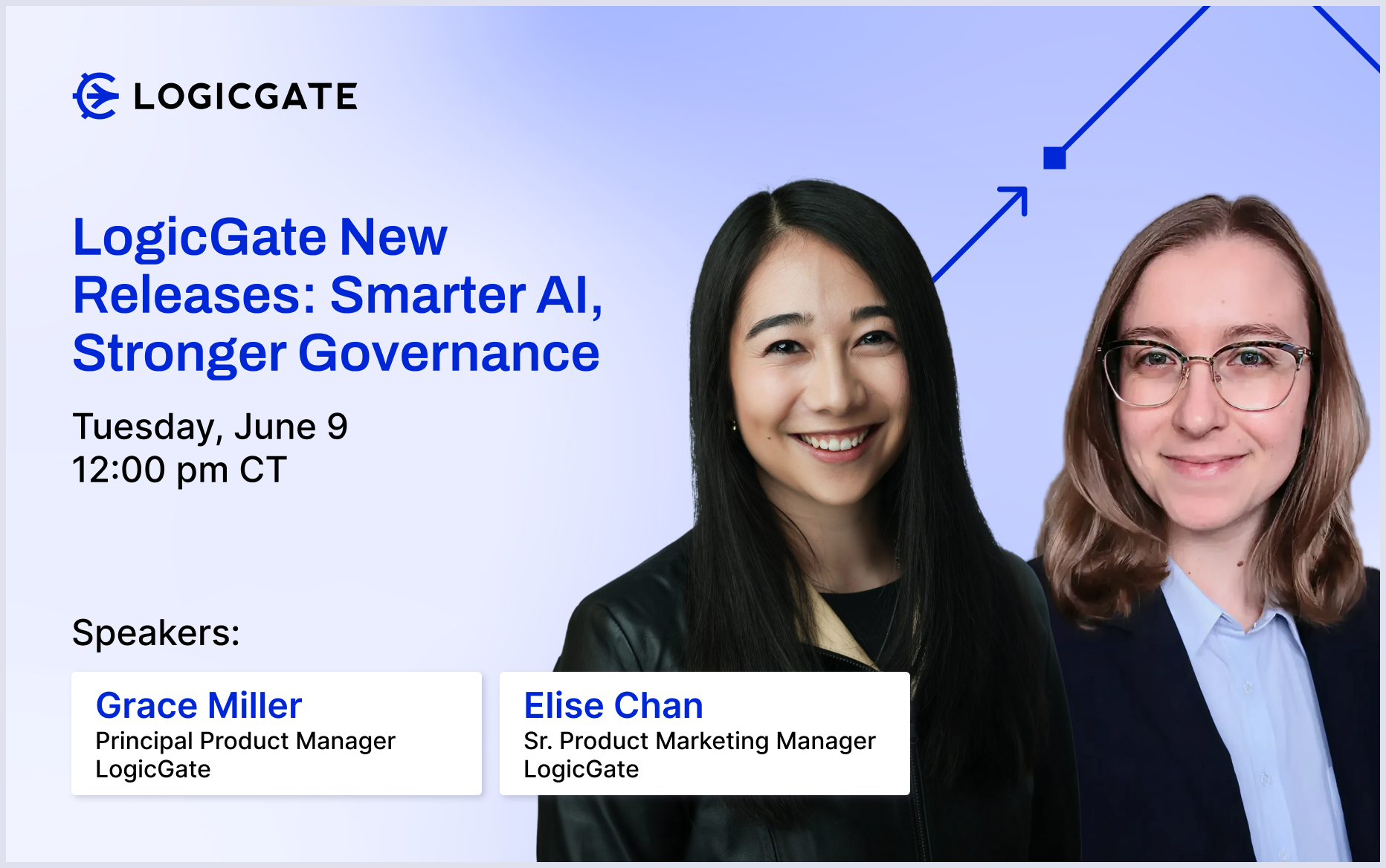
In this session, we’ll show you how to aggressively scale your team’s strategic impact and remove unnecessary silos between risk domains. Whether you are looking to migrate off rigid legacy systems or govern your organization’s…